



Winbeatz App
The Winbeatz app gives players app-style access to our casino through a Progressive Web App. You add a shortcut icon once, then you open Win Beatz from your home screen or desktop with a single tap or click. We built this approach to keep entry fast, keep navigation familiar, and avoid the extra friction that often comes with store-based installs.

Benefits and Features of the Winbeatz App
We designed the Winbeatz app to remove steps without trimming the experience. The shortcut opens Winbeatz Casino from your home screen or desktop in an app-style window. Menus stay in the same places on mobile and desktop, so getting back to what you need takes less time.
Mobile play feels more direct because the shortcut opens a focused session built for touch navigation. The lobby stays easy to move through on a smaller screen, and the app-style view keeps the experience tidy when you jump between games, promotions, and account tools.
Desktop is a different workflow. The larger screen gives you more room to browse categories, compare game tiles, and manage account sections without constant back-and-forth. Many players also prefer the separation an app-like window provides, since it keeps Win Beatz apart from general browsing during longer sessions.
The Winbeatz app supports the full core experience. You get full platform access in the Winbeatz Casino app, including a library of 6,000+ games and clear category browsing. Account sections stay close as well, so you can reach your profile, complete verification when required, and open the cashier without digging through multiple pages.
Main advantages of using the Win Beatz app shortcut:
- Quick launch from a home screen or desktop icon
- A focused, app-style session that stays organized
- A consistent layout across devices
- No large downloads and no store dependency
- Direct access to games, promotions, and account tools
Performance depends on the device and browser, so we keep the setup lightweight. A current browser version helps modern game clients run smoothly, and a clean device session helps on older phones, especially when you switch between heavier titles.
Winbeatz App for Android
A Winbeatz home screen icon on Android gives you app-style access in one tap. The session opens in a focused view built for touch navigation and quick browsing. Players can browse games, use promotions, and manage account tools in the same flow they use on desktop.
Some users look for Winbeatz APK, but an APK is not necessary here. Our PWA format provides the same convenient launch and the same platform access without a separate installation file.
Android devices also give you a lot of control over browser settings and storage. If you prefer a cleaner session, you can limit background apps and keep your browser updated. That simple routine often improves responsiveness during play.
Mobile Application for iOS
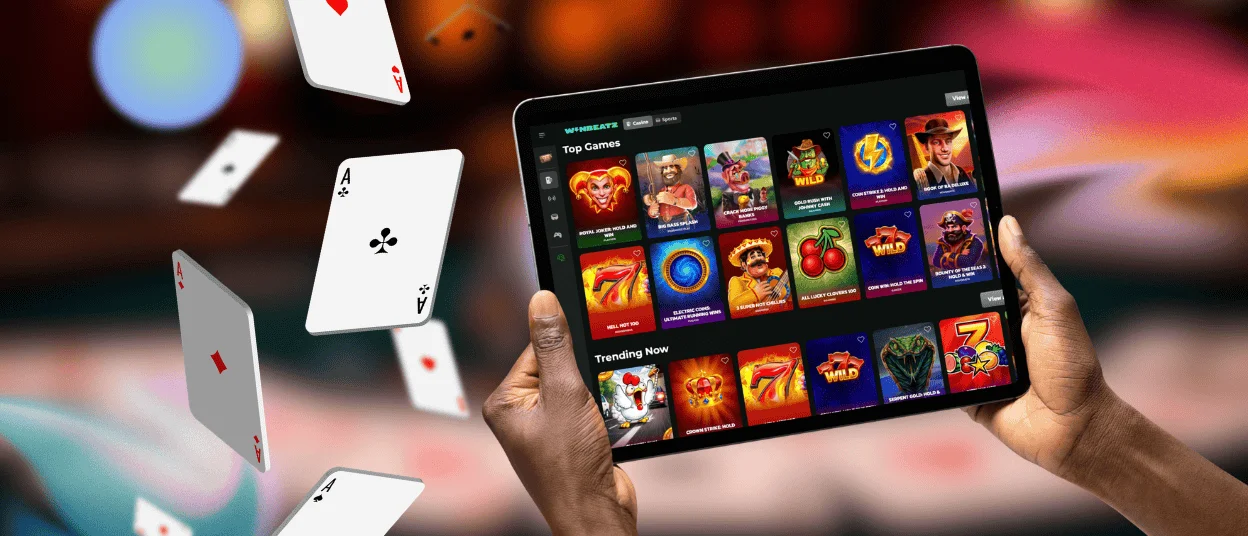
iPhone and iPad users access Win Beatz through a home screen shortcut. The session opens in a clean, app-style view suited to mobile play and keeps account actions straightforward. Navigation remains familiar, which makes switching between iOS and desktop sessions seamless.
This format fits the way many players use iOS devices. Short sessions feel simple because the entry point stays on the home screen, and the interface stays centered on gameplay and essential account tools. If you use strict privacy settings, you may sign in more often, but the shortcut still keeps access quick and predictable.
Play Winbeatz Casino on Mac or Windows
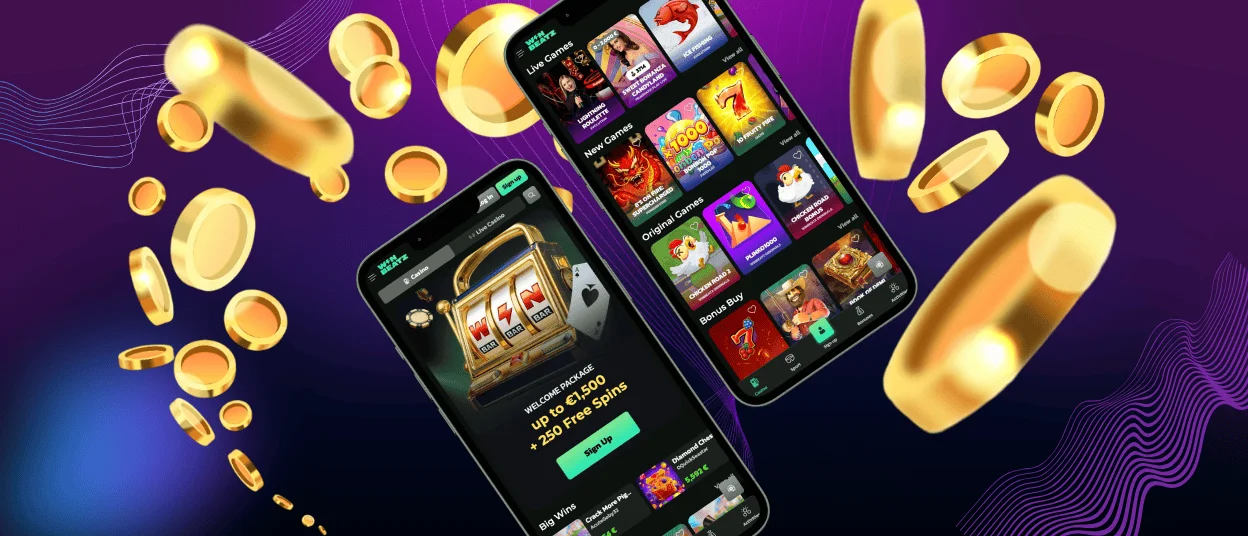
Desktop play works well when you want more screen space and a steady setup. A larger display makes it easier to browse categories, review promotions, and manage account tools with fewer view changes. Some players also prefer mouse and keyboard control for navigation, especially during longer sessions.
One-click access matters on desktop, especially for returning players. A Winbeatz Casino desktop icon opens a standalone window and keeps the session separate from everyday tabs. This setup gives you a consistent desktop entry point and a cleaner window for play.
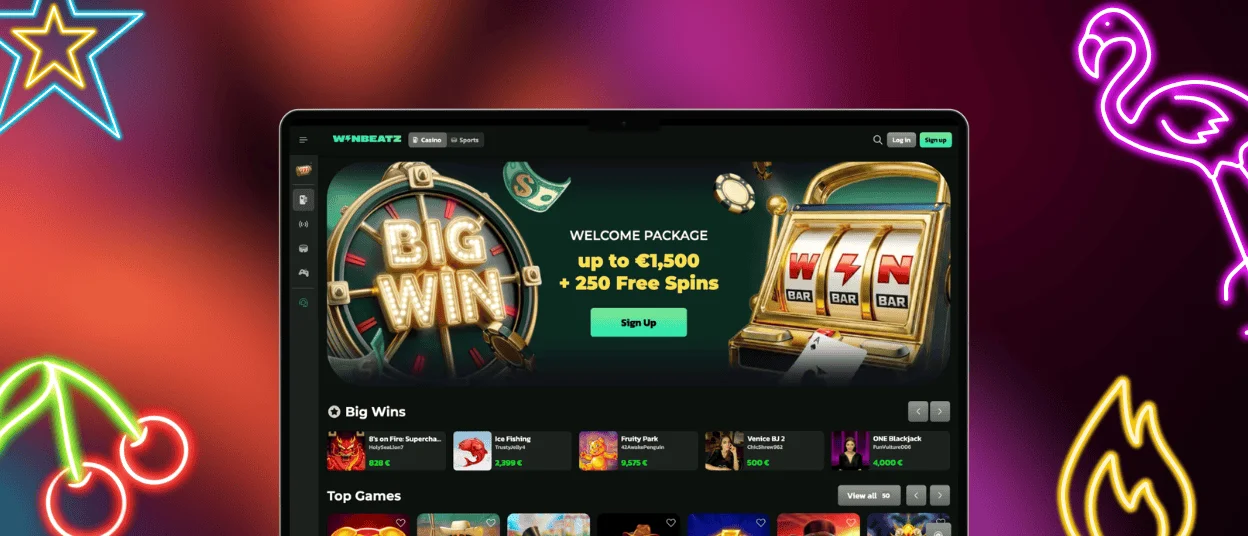
How to Install the Winbeatz App on Any Device
The Winbeatz app installs as a shortcut icon. You add it once, then you launch Win Beatz from your home screen or desktop like a standard application. Menu labels can vary slightly by device and browser version, but the goal stays the same: create a reliable icon that opens an app-style session.
| Device | Recommended browser | What you do | What you get |
| Android phone or tablet | Chrome | Use the browser menu to add Winbeatz Casino to your home screen | A home screen icon that launches Winbeatz in a touch-first, app-style view |
| iPhone or iPad | Safari | Use Share and save Winbeatz to your home screen | A saved icon that opens a clean, focused session without extra tabs |
| Windows computer | Chrome or Edge | Use the install option in the browser, or place a Winbeatz Casino shortcut on the desktop | A standalone Winbeatz window plus a quick entry point from desktop or taskbar |
| Mac computer | Safari, Chrome, or Edge | Install Win Beatz as an app in the browser, or create a shortcut you can keep handy | A dedicated app-like window and a fast launch from desktop or Dock |
To keep the experience smooth across devices:
- Keep your browser updated for better compatibility with game clients
- Close heavy background apps if a game loads slowly on mobile
- Log out after your session on shared devices and use a screen lock
FAQ
Do I need an App Store or Google Play download to use Winbeatz Casino?
No. The Winbeatz app runs from a home screen or desktop icon you add in your browser.
Why does the icon open Win Beatz in a regular tab instead of an app-style window?
You saved a bookmark, not the app icon. Delete it and add Winbeatz again using the option that creates a home screen icon or installs the site as an app-style shortcut.
A game stays on a blank screen. What should I try first?
Reload once. If it repeats, try a different browser or connection. Blockers and VPN tools can break loading, so turn them off for a quick check.
Will the Win Beatz app use a lot of storage or mobile data?
The icon stays small. Games use data while you play, and your browser may save temporary files to speed up loading. If storage gets tight, clear website data for Winbeatz Casino in your browser settings.


